This one evaded me at first and is very simple. Experienced Eclipse users are already familiar with its’ small intricacies, but for a Microsoft Visual Studio Developer who is not on Eclipse often, it is easy to forget your way weaving through the maze of perspectives, windows and views.
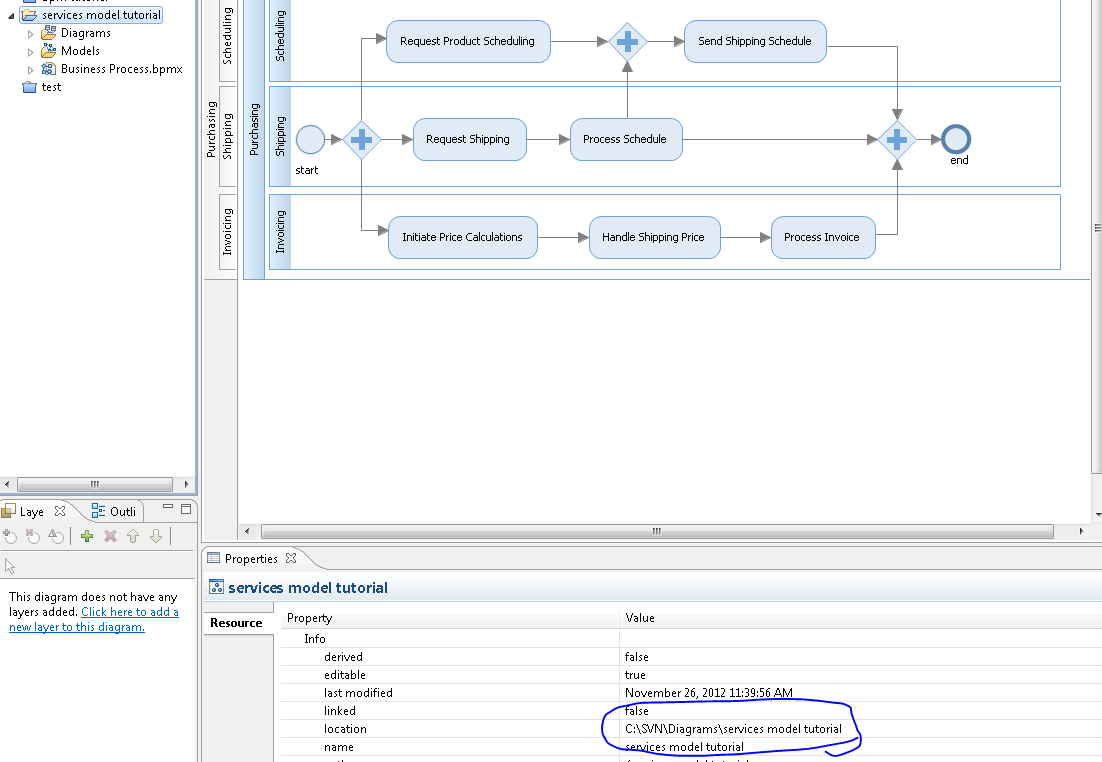
Lets say you created a new model, and accidentally placed it in the wrong location.

I’ve used Eclipse quite a bit in the past with PHP, so my first thought was to simply “refactor”/”move”. However, this would not solve my problem.
The resolution is quite simple. First, right click on the project, close it, then delete it.
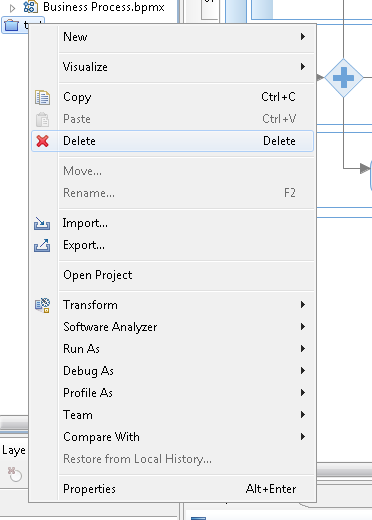
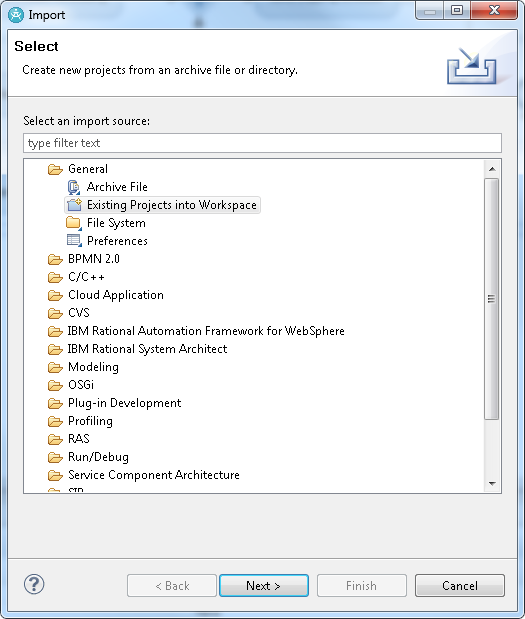
After deleting. Select file->import->existing projects into workspace->(next).
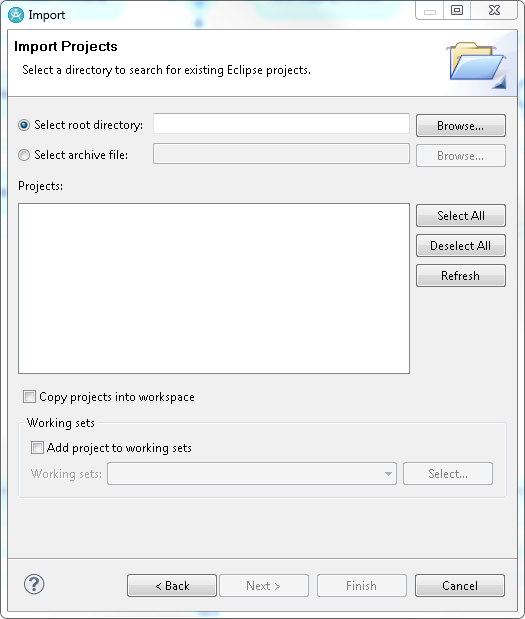
Browse to the new root location and then continue through (finish).
That’s it! Hope this helped! 8)

 {handshake sound}
Leave a comment